


If your Rose Toy is not working, first identify the exact symptom—no power, no charging response, one inactive function, weak performance, or unexpected shutdown—before trying a fix. Check the model’s documented power controls, charging cable and contacts, confirm a full charge, and disconnect the charger before testing; there is no universal reset sequence for every rose toy.
RoseToy.net documents Roselle® model-specific controls and functions, including differences between Classic and Duo. This guide walks through power, charging, function, and shutdown checks and explains when to stop troubleshooting and contact support.
When should you stop troubleshooting first?
Do not charge or operate a device with unusual heat, swelling, leakage, an odd smell, unfamiliar noises or visible damage. Stop a session that causes pain or irritation. If the device began behaving abnormally after a spill, washing or an impact, tell support before continuing tests.
These observations do not establish which internal part failed. They do establish that further button sequences or a longer charge are not the right next step. General lithium-ion precautions from NFPA identify heat, smell, shape change, leakage and odd noises as warning signs to stop use.
Which rose toy problem are you actually seeing?
| Symptom | Start here | Useful detail to record |
|---|---|---|
| No response to the power control | Model-specific power instructions and confirmed charging status. | Any light, sound or movement after the documented action. |
| Charging response missing or different | Matching accessory, dry contacts and specified power source. | The actual indicator pattern and whether it changes when the connector moves. |
| One function runs, another does not | Included functions and separate controls for that version. | Which side responds and which control you used. |
| It runs but feels weak or sounds different | Selected mode, normal placement and visible exterior residue or damage. | Weak sensation versus actual absence of movement. |
| It stops during use | Charge confirmation, active minutes and functions in use. | Whether it stops immediately, later or only on a particular setting. |
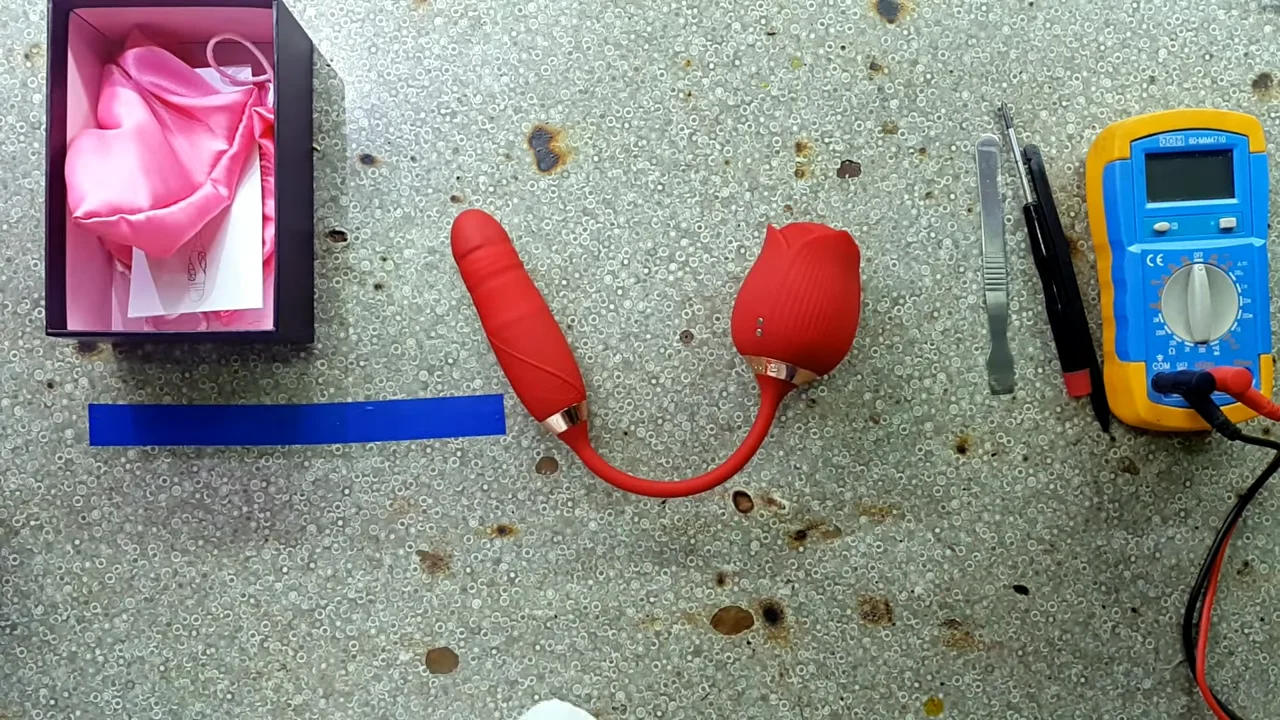
If the problem is the opposite—unexpected starts rather than no power—read Rose Toy Turning On by Itself? What to Check and When to Stop.
Why will the rose toy not turn on?
1. Confirm the model and power action
Read the name and version on your order or manual. Some devices distinguish a power action from a mode change; use the sequence stated for yours. A long press copied from a different product is not a confirmed reset. For the Roselle Rose Toy (Classic), match the named model and supplied instructions before trying a sequence found elsewhere.
A travel lock matters only if your model’s instructions document one. Do not assume the product is locked because it did not respond. Our How to Turn On a Rose Toy guide explains the control check in more detail.
2. Confirm a real charge, then disconnect
If the device is cool, dry and undamaged, charge it with its supplied accessory and the specified power source. Confirm the completion indication described in the manual; do not apply a fixed two-hour charge to every model. Disconnect the cable before checking operation. Use the rose toy charging troubleshooting guide when the expected charging response is missing.
3. Stop if the documented sequence still gives no response
Record what you tried and ask support. Do not force the button, open the housing or repeat a made-up 10–15-second reset. If a manufacturer provides a real reset for your version, follow that exact instruction instead.
What does a blinking or steady charging light mean?
The answer belongs to your model’s instructions. A slow blink is not universally “charging,” a steady light is not universally “full,” and irregular flashing alone does not prove a battery fault.
Check the charging setup before interpreting the light
- Use the matching cable or a confirmed replacement.
- Check the exterior connector and cable for visible damage while disconnected.
- Follow the care instructions so the contacts are clean and completely dry.
- Seat the connector without forcing it, using the specified power source.
- Compare the observed response with the manual’s charging and completion descriptions.
If there is no expected response, use Why Is My Rose Toy Not Charging? rather than treating every charging issue as a broken motor. If the response appears only when the connector is held at an angle, report that instead of taping it in place.
Why does one function work while another does not?
Check what the selected version includes
Read the actual product configuration, not a video of a different rose-shaped device. A tongue-style head, an air-pulse opening and a shaft with motion settings are different designs. A feature shown on another model is not necessarily present on yours. The Rose Vibrator collection helps identify the named Roselle formats; your order and manual still establish the version you own.
Check whether the functions have separate controls
For example, Roselle Duo has independent controls for its rose head and combined shaft functions. A response from one side does not show that you selected the other side correctly. Use the supplied instructions, then record exactly which part did or did not respond.
With power off and the cable disconnected, look only for visible exterior damage or material obstructing an exposed area. Do not pull a moving part, insert tools, force a jam or add lubricant inside the device as a repair.
What if it feels weak, sounds louder or keeps turning off?
The device runs but sensation is weak
Check the selected mode and ordinary placement first. Sensation alone does not measure motor output or battery health. For an air-pulse opening, inspect the exterior rim for visible residue and clean only as the model permits. Do not push a brush or swab into internal openings.
How to Clean a Rose Toy covers routine exterior care. If weak performance remains after ordinary permitted care and correct operation, describe the change to support.
It stops shortly after starting
Separate a brief run after a quick top-up from repeated shutdown after a confirmed full charge. Record the active minutes and selected functions. Do not assume one short session proves battery aging or a particular protection circuit. Check how long a rose toy takes to charge before counting a quick top-up as a completed charge.
It makes a new or unfamiliar noise
Stop if the noise accompanies heat, damage or other warning signs. A new rattle or grinding sound is useful support information; it is not a reason to open the body and lubricate the mechanism. Do not keep running it to diagnose the sound. For sound-specific observations, see Why Is My Rose Toy So Loud?; do not run a device that shows warning signs.
What should you send support before replacing it?
Send a short, complete report. The distinction between “no power” and “one function does not respond” can save an unnecessary exchange.
| Include | Make it specific |
|---|---|
| Order and model | Seller, order number and exact model/version. |
| Symptom | What responds, what does not, and when the problem began. |
| Charging and controls | Cable and power source used; actual light behavior; documented button action tried. |
| Condition | Any washing, spill, impact, visible damage, heat, smell or unfamiliar noise. |
Product-only photos can help if safe to obtain. You do not need intimate images or to repeat a malfunction for a video. Ask about the order’s actual return or replacement eligibility and what to do with the device while waiting.
Rose toy troubleshooting questions
Can I fix the motor myself?
Permitted exterior cleaning and correct operation are user checks. They do not establish an internal motor diagnosis. Do not open a sealed rechargeable device or fit an unverified battery; ask the seller about service options.
Should I keep charging if the light never changes?
No indefinite extension. Check the model’s expected sequence and the external setup, then ask support if it does not complete normally. A time on the cable is not proof of a charge.
Does one failed check mean I need a new toy?
No. Identify the symptom and ask about the correct accessory or support first. Replacement is a separate decision once the existing device and its support options have been assessed.


